On this page
- What is PageSpeed Insights?
- What is page speed?
- Step 1: run a PageSpeed Insights test
- Step 2: check mobile and desktop separately
- Step 3: read field data before the lab score
- Step 4: read the Lighthouse lab score
- What the PageSpeed metrics mean
- How PageSpeed relates to ranking
- Is Google PageSpeed Insights accurate?
- How to improve PageSpeed Insights scores
- Why teams look for a PageSpeed Insights alternative
- Using Layzr alongside PageSpeed Insights
- Official references
- FAQ
How to use Google PageSpeed Insights and what the metrics mean
A plain-English guide to PageSpeed Insights, Core Web Vitals, Lighthouse scores, SEO impact, and the parts PageSpeed does not judge.
Updated September 7, 2026
Google PageSpeed Insights is useful, but it is easy to read too much into one score. A green 96 does not mean the page is persuasive. A red mobile score does not always mean the page is doomed in search. The tool is measuring speed and technical page experience, not whether the page is good.
This guide explains what PageSpeed Insights is, how to use Google PageSpeed Insights, what the metrics mean, how page speed relates to SEO, and how to use an AI page review alongside the measurements. If you are watching the new Lighthouse agentic browsing category, read it with this guide because layout stability and page structure now matter for AI agents too.
What is PageSpeed Insights?
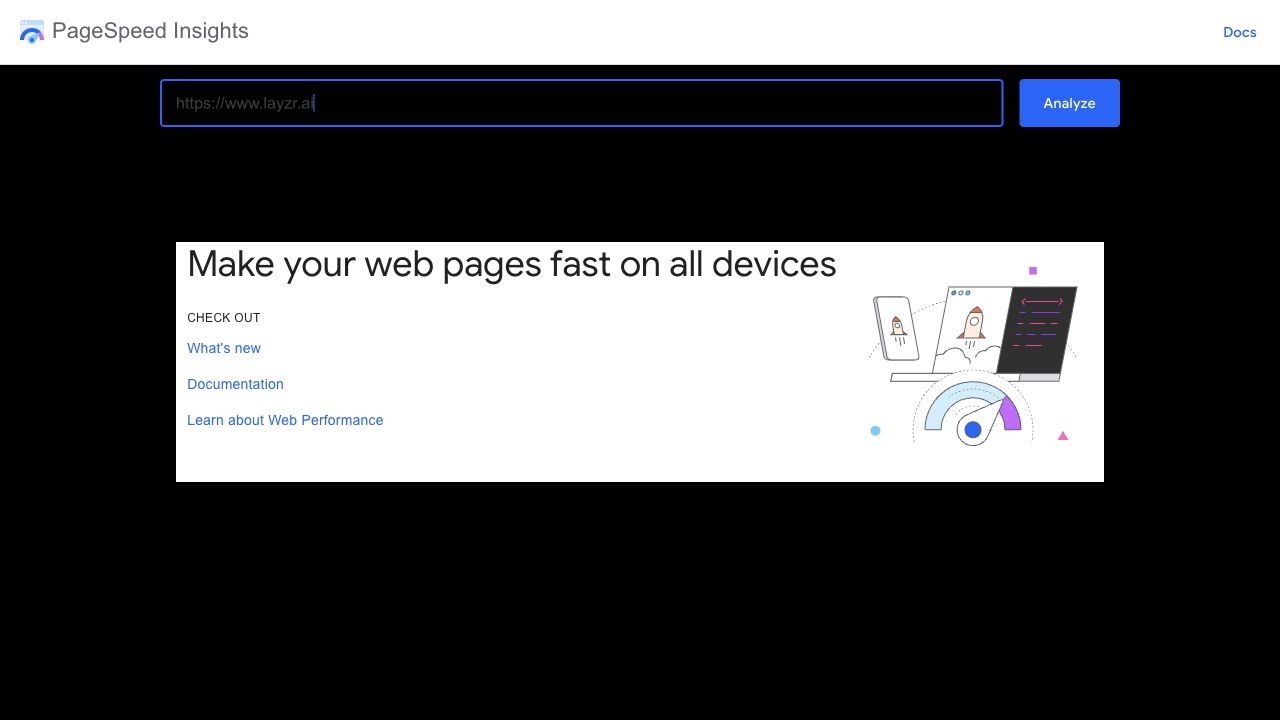
PageSpeed Insights, often called PSI, is Google's free tool for testing the performance of a single web page on mobile and desktop. It combines two kinds of data: field data from real Chrome users when enough data exists, and lab data from Lighthouse, a controlled test that runs during the report.
- Field data shows real user experience from the Chrome User Experience Report, also called CrUX.
- Lab data shows a simulated Lighthouse test from Google's test environment.
- Core Web Vitals in PSI are LCP, INP, and CLS.
- The Lighthouse performance score is a 0 to 100 score based on weighted lab metrics.
- PSI also reports diagnostics for performance, accessibility, best practices, and SEO.
What is page speed?
Page speed is how quickly a page loads, becomes usable, and stays stable for a visitor. It is not one number. A page can show text quickly but respond slowly to taps. It can load fast on desktop and feel heavy on a mobile connection. That is why PageSpeed Insights reports several metrics instead of only one timer.
Step 1: run a PageSpeed Insights test
- Go to https://pagespeed.web.dev/.
- Paste the exact URL you want to test. Test the live URL, including important pages beyond the homepage.
- Click Analyze.
- Wait for the mobile and desktop reports to finish.
- Save the report URL if you want to compare it later.
Step 2: check mobile and desktop separately
Mobile usually matters more for SEO and for real users, but desktop can expose different issues. Do not average the two scores in your head. Read them as separate reports.
- Mobile scores are often lower because the test simulates a slower device and network.
- Desktop scores can look good while mobile users still wait on heavy scripts, images, fonts, or third-party tags.
- A mobile problem is often more urgent if most of your traffic comes from phones.
Step 3: read field data before the lab score
If PageSpeed Insights has field data, start there. Field data is based on real Chrome users over a recent collection period. It is usually the better signal for whether visitors actually had a good experience.
- Passed Core Web Vitals means the page or origin has good LCP, INP, and CLS at the 75th percentile.
- Not enough data means the page or site does not have enough eligible real-user data in CrUX.
- Origin data can appear when page-level data is missing. That means PSI is showing site-level data, not necessarily only the URL you tested.
- A page can pass field data and still have a weak lab score because the lab test is a single controlled run.
Step 4: read the Lighthouse lab score
The big performance number is the Lighthouse lab score. It is useful for debugging, but it is not the same thing as a ranking score. Lighthouse weights several lab metrics, so a change in one metric can move the score more than another.
- 90 to 100 is green and considered good.
- 50 to 89 is orange and needs improvement.
- 0 to 49 is red and poor.
- A perfect 100 is hard to keep on real business pages with analytics, chat widgets, ads, personalization, consent banners, and custom fonts.
- Run tests more than once if you are making technical decisions. Scores can change because of network, device, browser, and third-party conditions.
What the PageSpeed metrics mean
The report gets easier once you stop treating the acronyms as a wall of homework. Each metric is trying to answer a simple question.
- LCP, Largest Contentful Paint: how long it takes for the main visible content to load. Aim for 2.5 seconds or less.
- INP, Interaction to Next Paint: how quickly the page responds to clicks, taps, and keyboard input. Aim for less than 200 milliseconds.
- CLS, Cumulative Layout Shift: how much the page unexpectedly jumps around. Aim for 0.1 or less.
- FCP, First Contentful Paint: how long it takes before text, an image, or other content first appears.
- TTFB, Time to First Byte: how long the server takes to start responding.
- TBT, Total Blocking Time: how much lab-test time the main thread is blocked before the page becomes reliably interactive.
- Speed Index: how quickly visible content appears during the page load.
How PageSpeed relates to ranking
Page speed can matter for SEO because it affects user experience, and Core Web Vitals are part of Google's page experience guidance. But PageSpeed Insights is not a ranking simulator. Google is not ranking pages by the PSI score alone.
The practical way to think about it: fix bad speed issues, especially poor Core Web Vitals on important pages, but do not ignore search intent, content quality, internal links, design trust, and conversion flow just to chase a 100.
Is Google PageSpeed Insights accurate?
Yes, for what it measures. PageSpeed Insights is accurate as a speed and page-experience diagnostic tool. The trap is expecting it to answer questions it was never built to answer.
- It is accurate for showing CrUX field data when enough real-user data exists.
- It is useful for finding likely performance problems through Lighthouse diagnostics.
- It can fluctuate between runs because lab tests depend on conditions outside your page code.
- It does not judge whether your page design looks trustworthy.
- It does not know whether your offer, copy, product positioning, or visual hierarchy is clear.
- It does not tell you whether the page is likely to convert.
How to improve PageSpeed Insights scores
Start with the metric that is failing, then fix the cause. Random plugin changes and blanket optimizers can make a site harder to maintain without fixing the real bottleneck.
- Poor LCP: compress or resize the hero image, preload the LCP image, improve server response, reduce render-blocking CSS, and avoid hiding main content behind client-side JavaScript.
- Poor INP: reduce heavy JavaScript, split long tasks, remove unused scripts, and delay non-essential third-party code.
- Poor CLS: set image and video dimensions, reserve space for ads and embeds, avoid injecting banners above content, and handle font loading carefully.
- High TTFB: review hosting, caching, CDN setup, database latency, server rendering, and edge caching.
- High TBT: remove unused JavaScript, ship less code, defer scripts, and avoid expensive work during page load.
- Low mobile score: test on the mobile tab first and look for oversized images, heavy scripts, slow fonts, and too many third-party requests.
Why teams look for a PageSpeed Insights alternative
PageSpeed Insights is a speed tool. It is not a full website audit, and some of its recommendations are hard to turn into real page decisions. Teams get stuck when a report says to reduce JavaScript or improve LCP, but does not explain what to change first, why it matters, or whether the page itself is convincing. For AI search and answer engines, pair this work with answer engine optimization.
- It does not review whether the design looks modern, credible, or easy to scan.
- It does not judge whether the hero section explains what you sell.
- It does not check whether calls to action, forms, pricing, screenshots, or social proof are convincing.
- It does not compare the page against search intent.
- It does not explain why a technically fast page may still lose visitors.
Using Layzr alongside PageSpeed Insights
Layzr uses available PageSpeed scan context alongside an AI review of design, copy, UX and SEO. It can help explain a finding and suggest next steps. It is not an independent replacement for the underlying performance measurement; verify changes with another test and real-user data when available.
In a Layzr PageSpeed audit, you can ask follow-up questions against the audit itself. Ask why LCP is bad, whether a script is worth removing, which page needs work first, or what a Core Web Vitals warning means in plain English. Layzr breaks the vague parts into answers you can act on.
- Ask follow-up questions about PageSpeed and Core Web Vitals results instead of guessing what the metric means.
- Turn vague Lighthouse diagnostics into simple explanations and prioritized fixes.
- Connect speed problems with design, copy, SEO, UX, and conversion issues on the same page.
- Review whether the page is actually good instead of stopping at a green Lighthouse score.
Official references
- PageSpeed InsightsRun a PageSpeed Insights test.
- About PageSpeed InsightsGoogle's official explanation of PSI field data, lab data, and thresholds.
- Core Web Vitals and Google SearchGoogle Search Central's explanation of Core Web Vitals in search.
- Lighthouse performance scoringChrome's documentation for Lighthouse score weighting and score ranges.
- Search Console Core Web Vitals reportGoogle's documentation for URL groups, field data, and validation.
FAQ
What is PageSpeed Insights?
PageSpeed Insights is Google's free tool for testing the performance of a single URL on mobile and desktop. It uses real-user CrUX data when available and Lighthouse lab data for diagnostics.
How do I use Google PageSpeed Insights?
Open PageSpeed Insights, paste the URL, run the report, check mobile and desktop, read field data first, then use the Lighthouse lab metrics and diagnostics to decide what to fix.
Is Google PageSpeed Insights accurate?
It is accurate for speed and page-experience diagnostics, but it is not a complete website quality score. Scores can fluctuate, and PSI does not review design, copy, trust, search intent, or conversion flow.
What is a good PageSpeed score?
A Lighthouse performance score from 90 to 100 is considered good, 50 to 89 needs improvement, and 0 to 49 is poor. Core Web Vitals are judged separately with LCP, INP, and CLS thresholds.
Which metric is affected by slow page speed?
Slow page speed can affect LCP, FCP, TTFB, TBT, Speed Index, and sometimes CLS. LCP is usually the main loading metric to check first, while INP and TBT often point to JavaScript problems.
How does PageSpeed relate to ranking?
Page speed and Core Web Vitals are part of Google's page experience guidance, but PageSpeed Insights is not a ranking simulator. Use it to fix performance issues, then audit content, design, links, and UX too.
How do I improve Google PageSpeed Insights?
Improve the failing metric first. Common fixes include optimizing images, improving server response, reducing render-blocking CSS, removing unused JavaScript, delaying third-party scripts, and preventing layout shifts.
What is a good PageSpeed Insights alternative?
Layzr is a PageSpeed Insights alternative that explains performance results in plain English and lets you ask follow-up questions. It also reviews design, copy, layout, SEO, UX, and conversion flow.
Run a Layzr PageSpeed audit
PageSpeed Insights can feel vague and technical. Layzr explains the speed issues in plain English, lets you ask follow-up questions, and reviews the page beyond load time.
Start a PageSpeed audit